Oritium
A downloadable Cosmic journey for macOS
Oritium is a cosmic productivity experience designed to transform every focus session into an unforgettable journey through the stars.
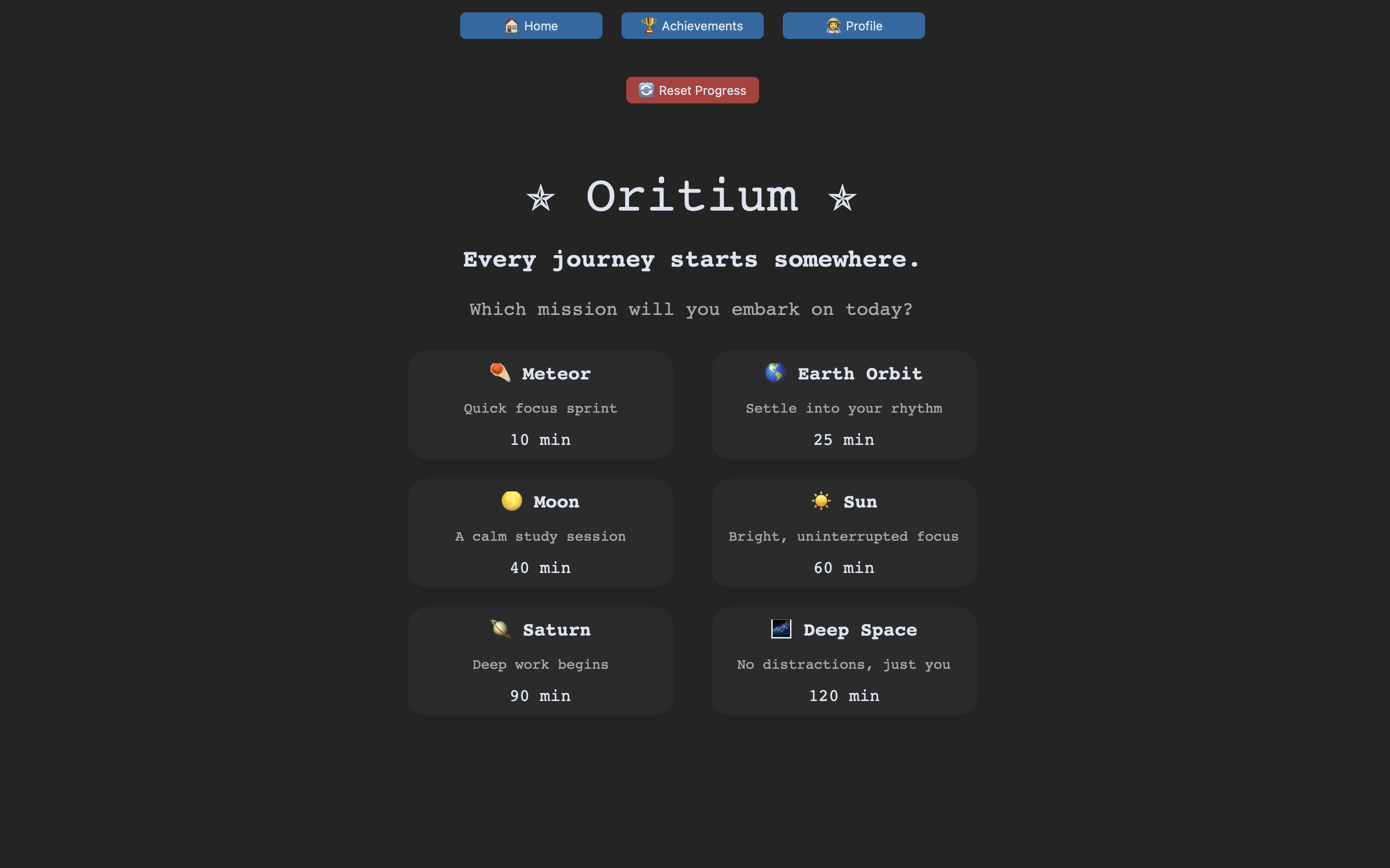
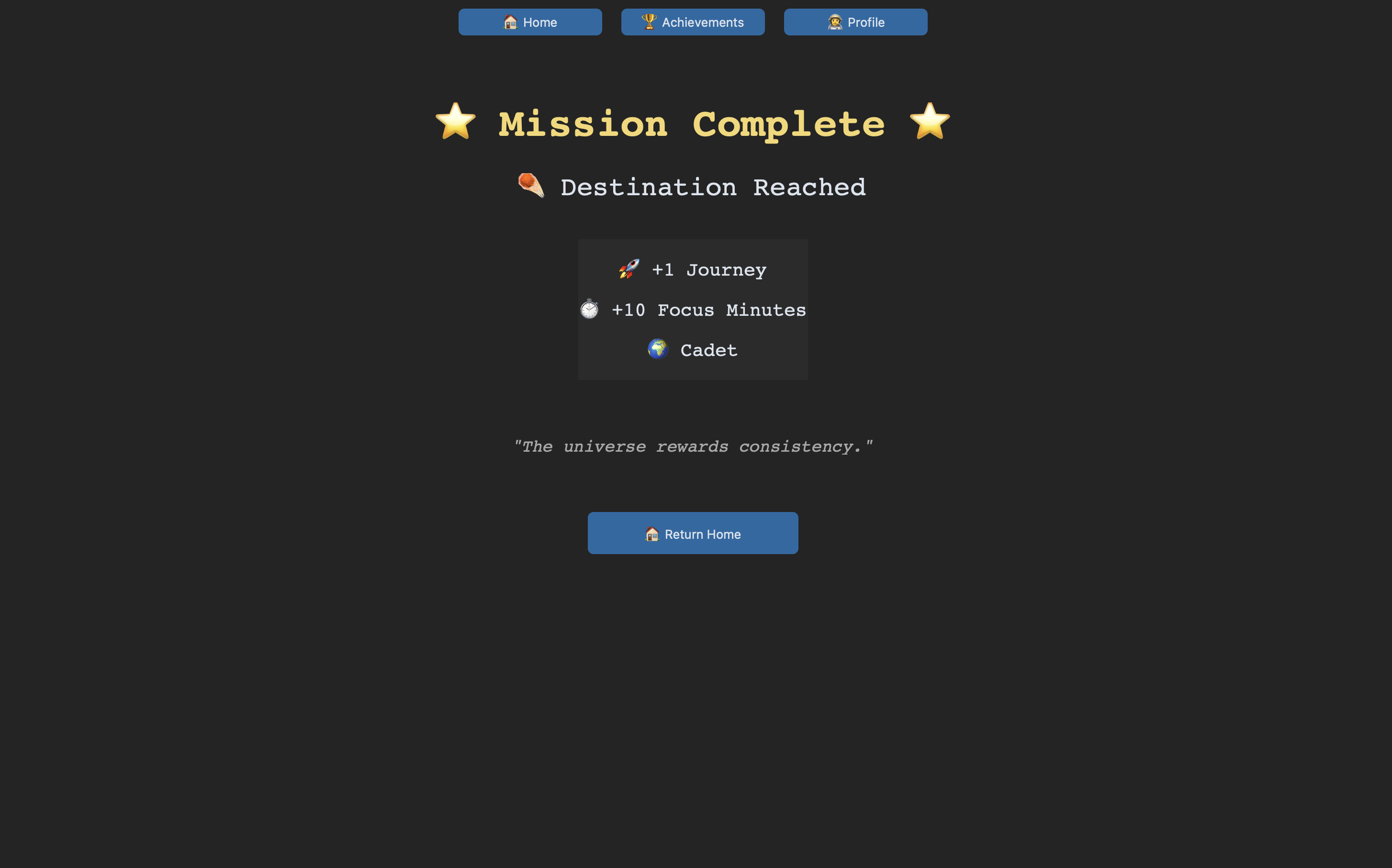
Begin as a Cadet and travel across distant worlds as you complete missions, unlock achievements, discover your favorite destinations and become a Cosmic Legend.
Every minute focused brings you one step closer to exploring your own galaxy.
Download
Install instructions
Welcome, Explorer!
Thank you for downloading Oritium.
Oritium is a cozy, space-themed productivity experience designed to make every focus session feel like a journey among the stars.
Installation
- Download
oritium.zip. - Extract the ZIP file.
- Open the
oritiumfolder. - Double-click the Oritium application to begin your journey.
Notes for macOS Users
If macOS prevents the application from opening, go to:
System Settings → Privacy & Security → Open Anyway
and allow Oritium to run.
Features
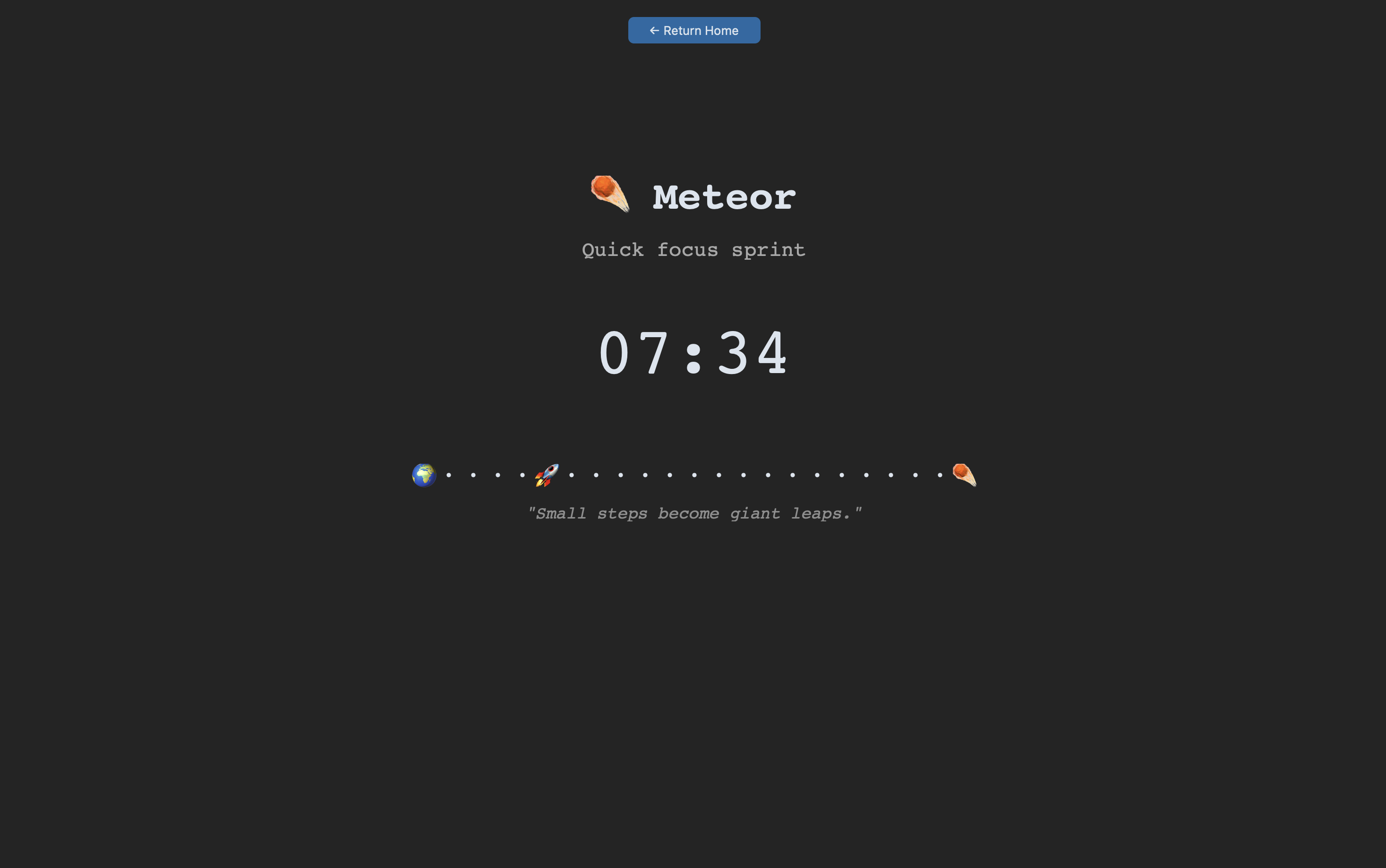
- Space-themed focus journeys
- Ambient cosmic soundscapes
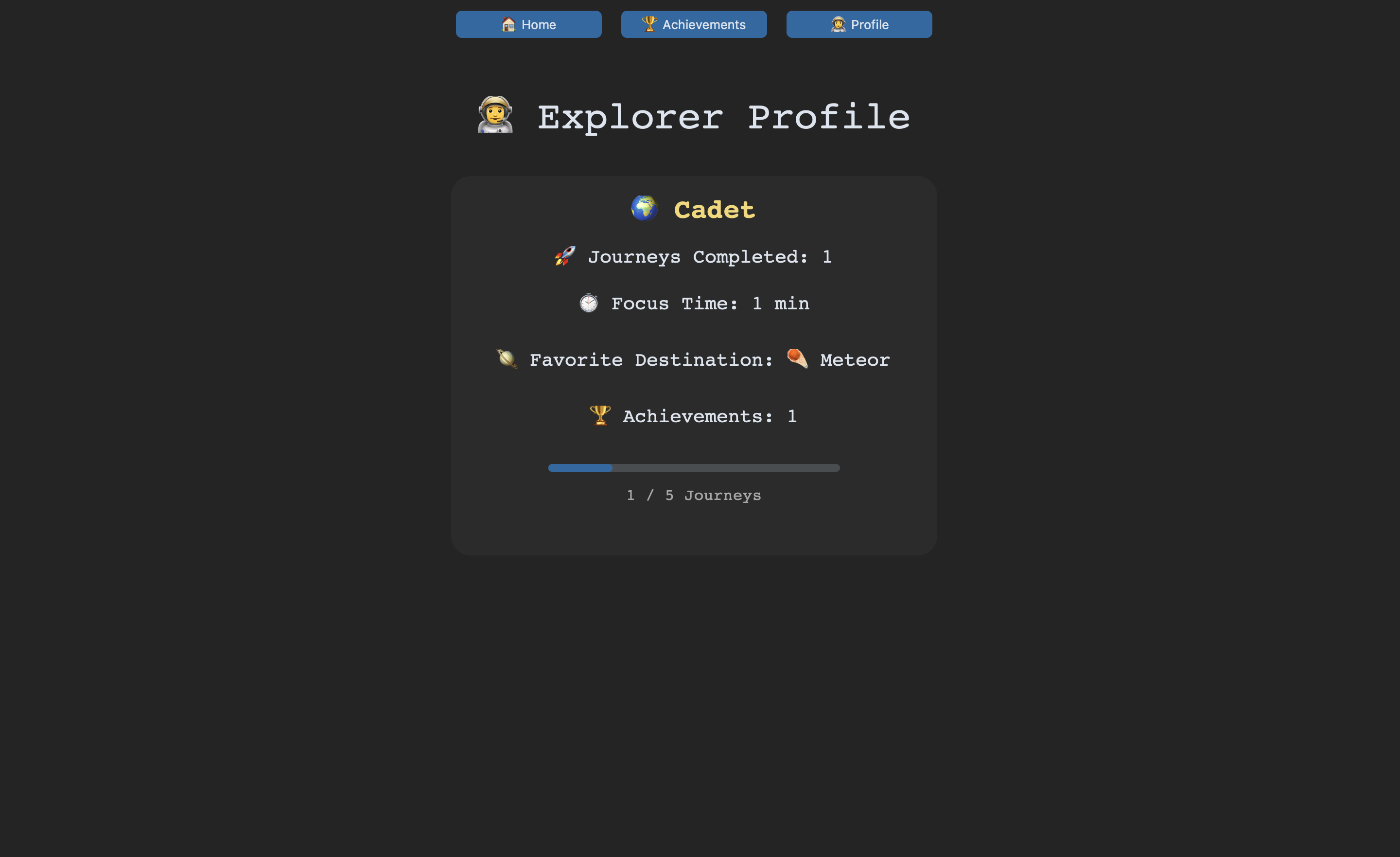
- Explorer ranks and progression
- Achievements system
- Daily streak tracking
- Favorite destination statistics
- Relaxing and cozy productivity experience
IMPORTANT FOR macOS USERS
Oritium is independently developed and distributed outside of the App Store. macOS may prevent it from opening the first time you download it.
To open Oritium:
- Right-click the application.
- Click "Open".
- Click "Open" again when prompted.
If necessary:
- System Settings → Privacy & Security → Open Anyway.
This only needs to be done once.
---------------------
Every explorer leaves a trail among the stars.
Thank you for studying with me!

Leave a comment
Log in with itch.io to leave a comment.